
All your Google accounts. One inbox.
Outpost is a fast, keyboard-driven Gmail and Calendar app for Mac and Windows.
Apple Silicon by default. Intel Mac build
v0.3.4 · November 6, 2026 · Release notes
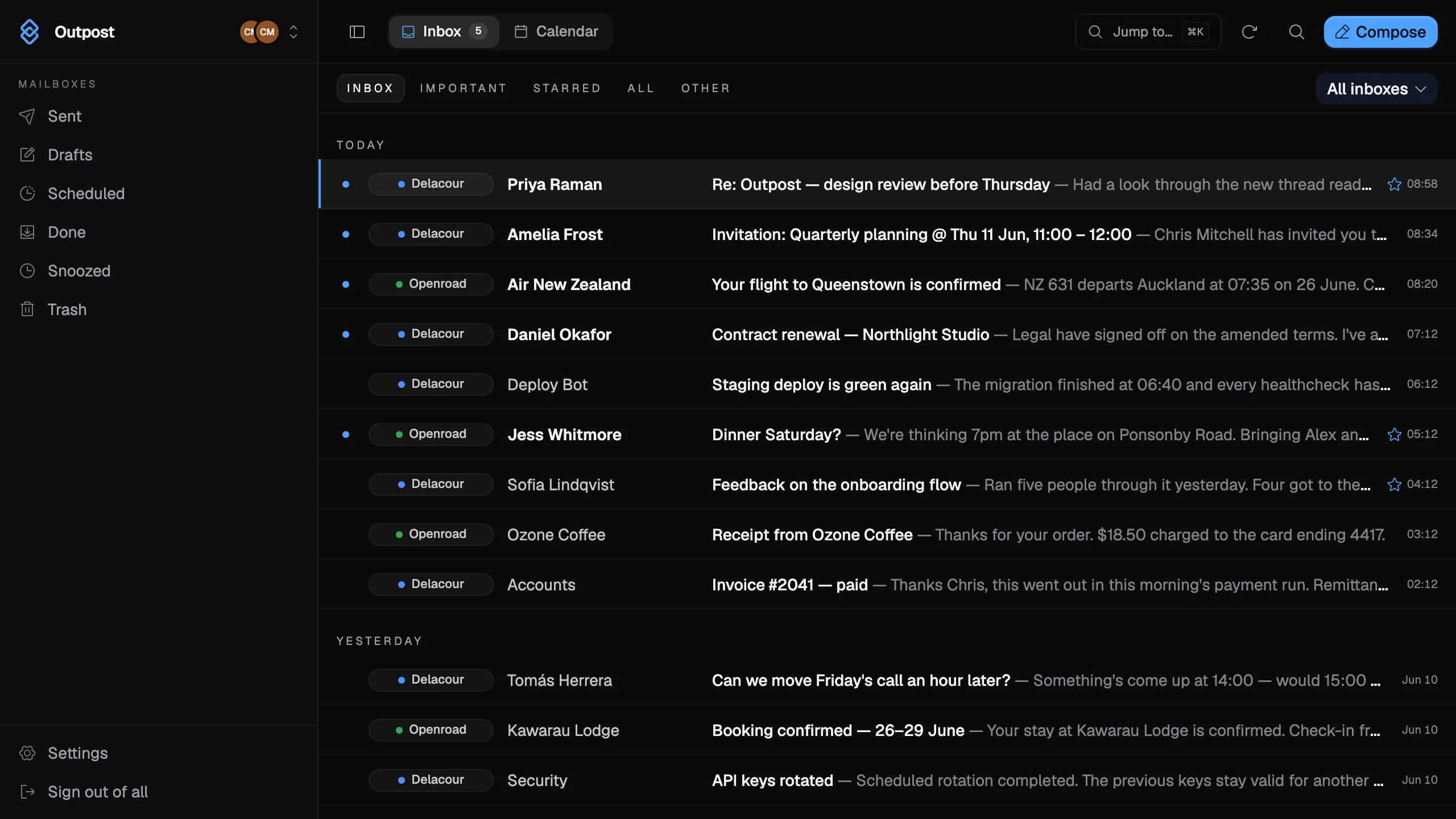
Every account in one list
Work and personal mail sit side by side, colour-coded by account. Filter to a single account when you want to. Search runs across all of them at once.
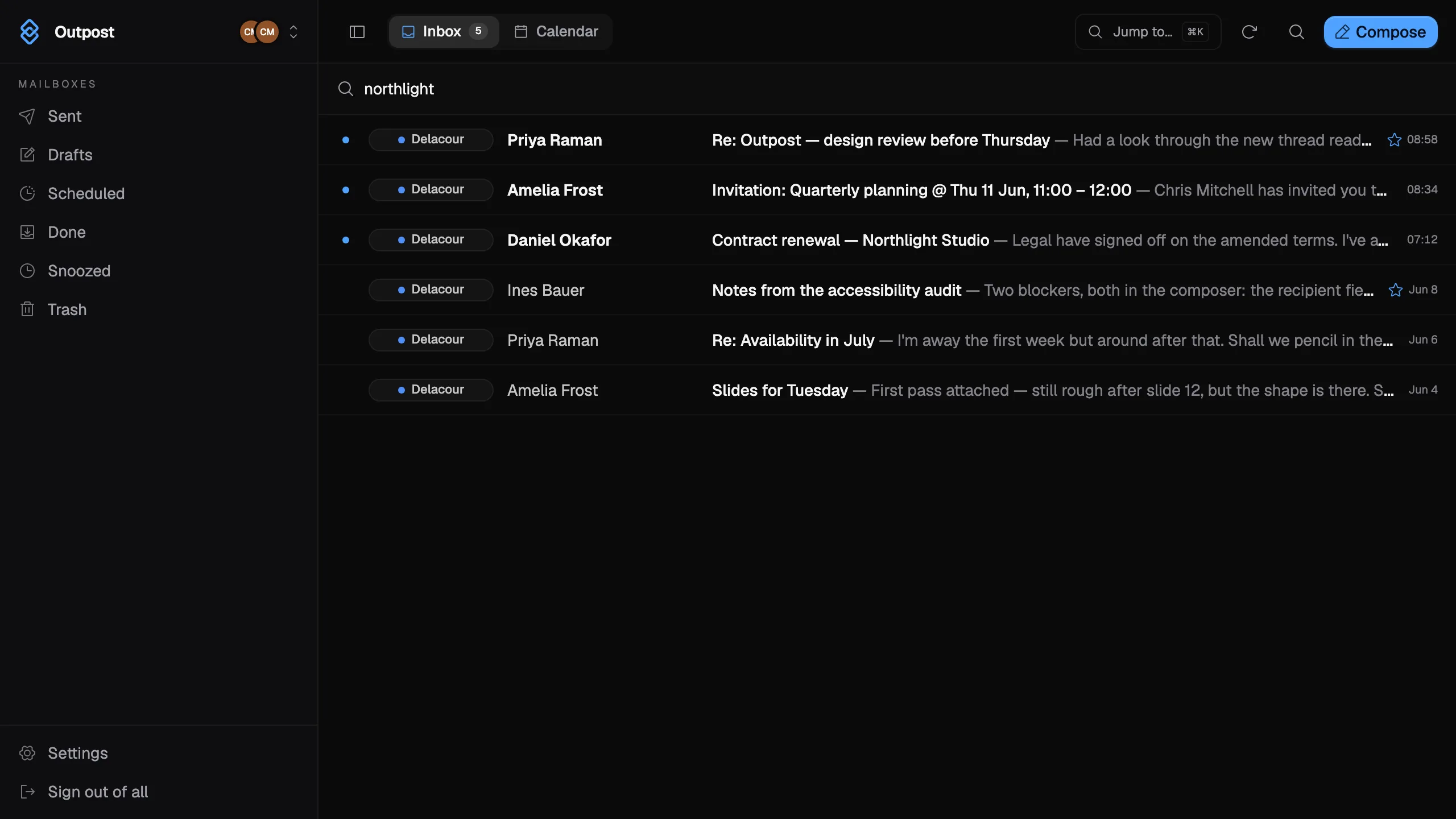
Built for the keyboard
Press ⌘K to reach any mailbox or action. Single keys do the rest, and the palette shows the shortcut each time so you learn as you go.
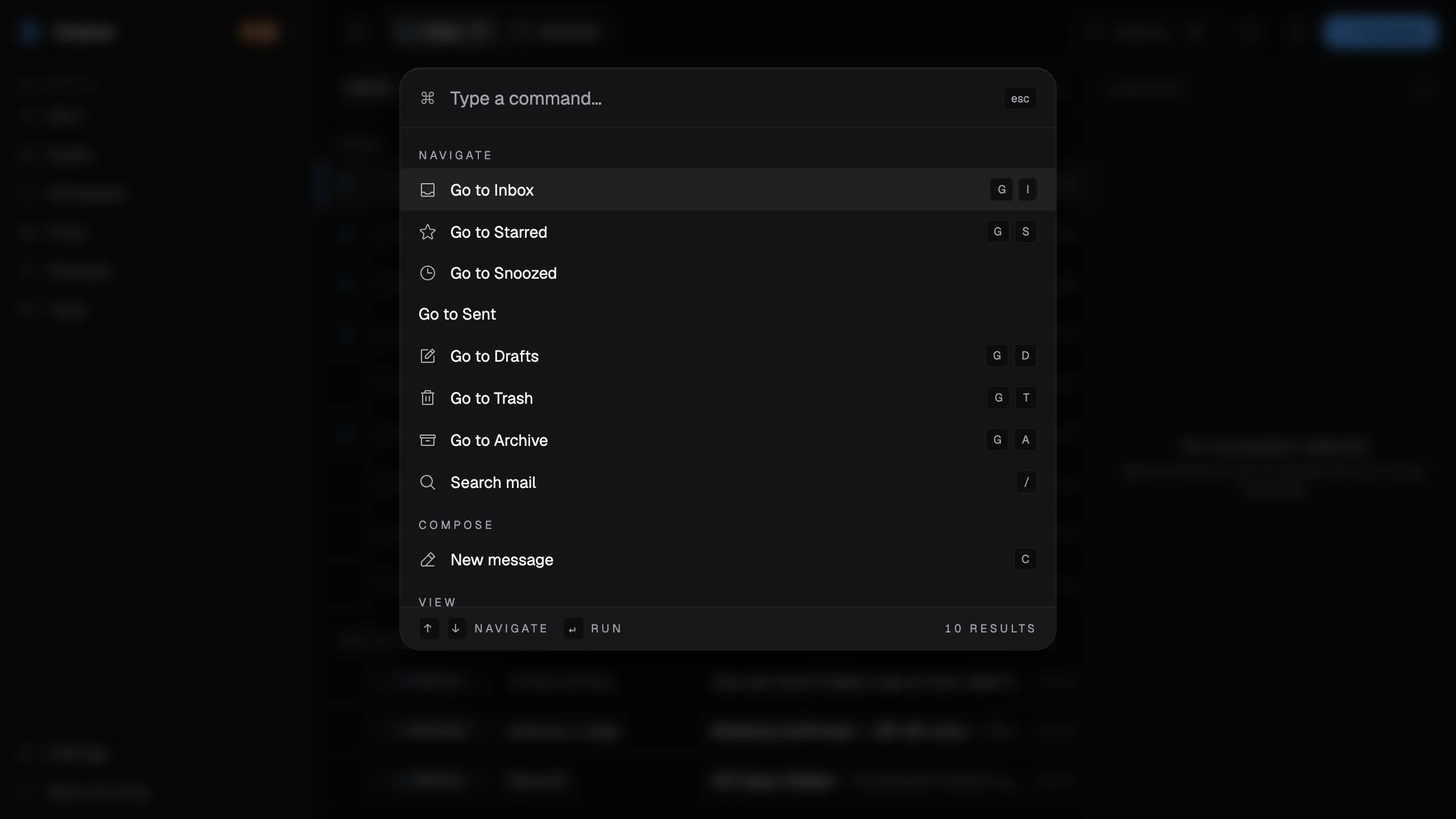
- Command palette
- ⌘K
- Done
- E
- Remind me at
- H
- New message
- C
- Search
- /
- Inbox
- GthenI
- Reply
- R
- Undo
- ⌘Z
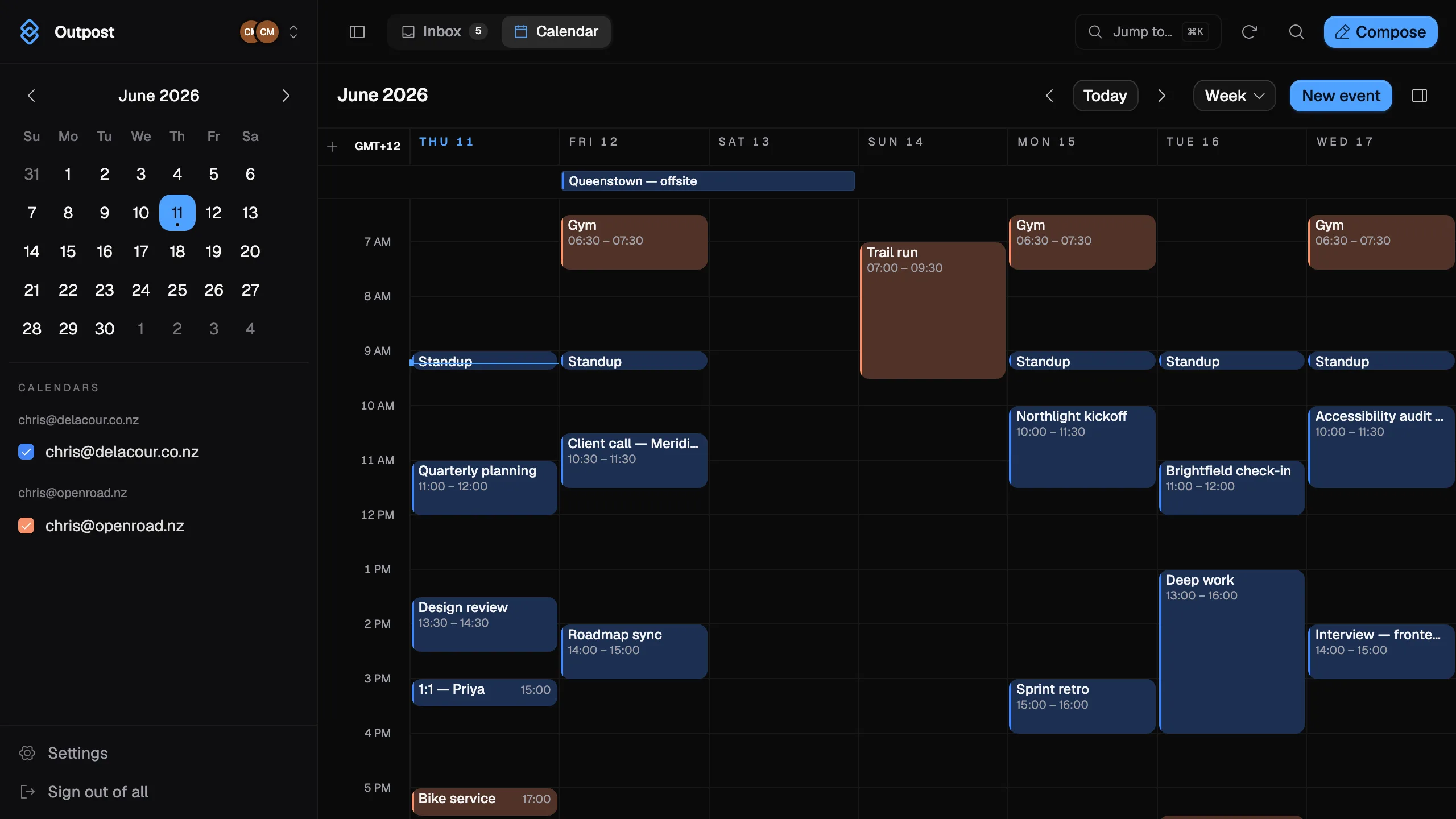
Your calendar, merged too
Every connected Google Calendar in one week, colour-matched to its account. Add time zones beside your own. On Mac, today's agenda sits in the menu bar.
Snooze and send later
Press H to bring a thread back at the time you choose. Schedule a message and it stays a real Gmail draft until it sends. Both are stored in Gmail as labels and drafts, so they still show on gmail.com and on your phone. Outpost does the waking and the sending itself, so it needs to be running at that moment — anything due while it was closed happens the next time you open it.
- SnoozedProofs for the spring issueBack tomorrow, 09:00[Outpost]/snoozed
- ScheduledRe: Contract renewalSends Mon, 08:30[Outpost]/scheduled
How it works
- Sign in
- Sign in with Google for each account you add, and grant Outpost access to its Gmail, Calendar and Contacts. No separate Outpost account.
- Sync
- Outpost talks to Google directly. Your mail and calendar are cached on your computer so the app stays quick, and there is no Outpost server in between. Google sign-in is kept in your system keychain.
- Windows
- The Windows installer is not code-signed yet, so SmartScreen shows a warning on first run. The download page walks you through it.